





Automatic pet feeders can make life easier for pet owners, ensuring pets get their meals on time—even when no one’s home. But like any device, they can run into issues. Food might get stuck, or the timer might stop working. For smart feeders, connectivity problems can add to the frustration. These hiccups can disrupt your pet’s routine and create unnecessary stress.
Pro Tip: Pairing a pet feeder with a wireless water dispenser ensures your furry friend always has access to fresh food and water, even when you’re away.
Understanding how to troubleshoot these problems can save time and keep your pet happy.
Key Takeaways
- Clean your pet feeder often to stop food jams and germs. Cleaning it once a week helps it work better.
- Make sure your feeder works with your pet’s food type. Using the right kibble size helps prevent clogs.
- Get a feeder with a backup battery. This makes sure your pet gets food even if the power goes out.
- Check the feeder’s timer settings often. Fixing the timer can stop missed meals or wrong amounts.
- Put your smart feeder close to the router for better Wi-Fi. A strong signal helps keep feeding on schedule.
Common Problems with Pet Feeders
Food Jamming Issues
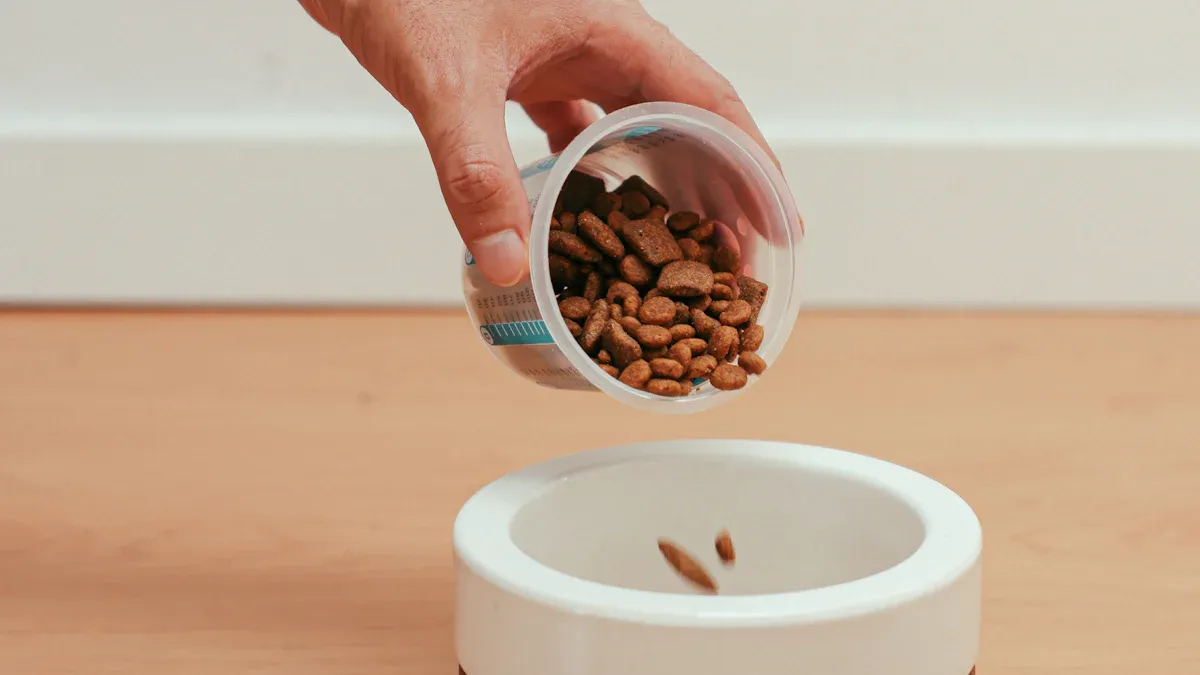
Food jamming is one of the most frequent problems pet owners face with automatic pet feeders. This happens when kibble gets stuck in the dispenser, preventing food from being released. Feeders designed for specific kibble sizes often struggle with irregular shapes or oversized pieces. Wet food or raw diets can also cause blockages, as these feeders are typically optimized for dry kibble.
To avoid food jams, pet owners should check the feeder’s compatibility with their pet’s food type. For example, PetSafe Smart Feed has been reported to struggle with certain kibble shapes, leading to inconsistent portioning. Regular cleaning and ensuring the feeder is free of debris can also help reduce jamming issues.
Tip: If food jams persist, consider switching to a feeder with adjustable portion settings or one specifically designed for your pet’s diet.
Timer and Scheduling Malfunctions
Timer and scheduling malfunctions can disrupt feeding routines, leading to overfeeding or underfeeding. Research shows that these issues often stem from power outages or technical glitches. Around 10-20% of users report encountering such problems, though premium brands like PetSafe or WOPET have lower rates of 5-10%.
When timers fail, pets may miss meals or receive incorrect portions, which can lead to behavioral changes or health concerns like obesity. To minimize these risks, pet owners should regularly check the feeder’s settings and ensure the device is connected to a reliable power source.
Note: Investing in a feeder with backup battery options can prevent disruptions during power outages.
Connectivity Challenges in Smart Feeders
Smart pet feeders offer convenience, but connectivity issues can make them unreliable. Wi-Fi and Bluetooth disruptions often lead to missed feedings or inaccurate portion control. Limited compatibility with certain kibble sizes or dietary plans further complicates their use.
For instance, some feeders struggle with wet food or prescription diets, making them unsuitable for pets with specific nutritional needs. Owners should ensure their feeder is compatible with their pet’s food type and test the device’s connectivity before relying on it for daily use.
| Challenge Type | Description |
|---|---|
| Limited Compatibility | Many feeders are designed for specific kibble sizes, making them incompatible with wet food or raw diets. |
| Connectivity Issues | Wi-Fi and Bluetooth disruptions affect feeder performance, leading to missed feedings or inaccurate portion control. |
| Example of Product Issue | PetSafe Smart Feed struggles with certain kibble shapes, leading to food jams and inconsistent portioning. |
Pro Tip: Place the feeder near your router to improve Wi-Fi connectivity and reduce disruptions.
Battery and Power Failures
Battery and power failures can disrupt the functionality of automatic pet feeders, leaving pets without their scheduled meals. These issues often arise during power outages or when batteries run out unexpectedly. For feeders that rely on electricity, a backup battery system becomes essential to ensure uninterrupted operation.
Many modern pet feeders include backup batteries that can keep the device running for up to 24 hours during power outages. This feature provides peace of mind for pet owners who worry about their pets missing meals during emergencies. However, not all feeders come equipped with this functionality. Owners should check their feeder’s specifications to confirm whether it has a backup battery option.
For battery-operated feeders, regular checks are crucial. Batteries can lose charge over time, especially if the feeder is used frequently. Replacing batteries before they deplete ensures the feeder remains reliable. Rechargeable batteries can be a cost-effective and eco-friendly alternative for feeders that support them.
Tip: Always keep spare batteries on hand and test the feeder’s backup system periodically to avoid surprises during power outages.
Cleaning and Maintenance Difficulties
Cleaning and maintaining pet feeders can be a hassle, but it’s necessary to keep them functioning properly. Over time, food residue and debris can accumulate, leading to blockages or even bacterial growth. Regular cleaning prevents these issues and ensures the feeder dispenses food accurately.
Some feeders are easier to clean than others. Models with removable parts or dishwasher-safe components simplify the process. Feeders designed for wet food may require more frequent cleaning due to the risk of spoilage. Owners should follow the manufacturer’s cleaning instructions to avoid damaging the device.
A common mistake is neglecting the feeder’s internal mechanisms. Dust and kibble fragments can clog the dispenser, causing jams or inaccurate portioning. Using a small brush or compressed air can help clear hard-to-reach areas.
Pro Tip: Schedule a weekly cleaning routine for your pet feeder to keep it in top shape. For wet food feeders, clean them daily to prevent odors and contamination.
Troubleshooting Guide for Pet Feeders
How to Fix Food Jamming
Food jamming can frustrate both pets and their owners. When kibble gets stuck in the dispenser, it disrupts feeding schedules and can even damage the feeder. Fixing this issue often requires a few simple steps:
- Inspect the Feeder: Open the dispenser and check for any stuck kibble or debris. Remove any blockages carefully.
- Use Compatible Food: Ensure the kibble size matches the feeder’s specifications. Irregular or oversized pieces are common culprits.
- Clean the Mechanism: Dust and food residue can accumulate over time. Use a small brush or compressed air to clean the internal parts.
- Adjust Portion Settings: If the feeder allows, reduce the portion size to prevent overloading the dispenser.
Tip: If jams persist, consider switching to a model designed for your pet’s specific diet. Some feeders handle larger kibble or wet food better than others.
Steps to Resolve Timer and Scheduling Errors
Timer and scheduling errors can throw off your pet’s feeding routine. These issues often stem from power interruptions or software glitches. Here’s how to address them:
- Reset the Timer: Start by resetting the feeder’s timer. Refer to the user manual for specific instructions.
- Check the Power Source: Ensure the feeder is plugged in securely or has fresh batteries. For battery-operated models, replace old batteries regularly.
- Update the Software: If your feeder is a smart model, check for firmware updates through the app. Updates often fix bugs that cause scheduling errors.
- Test the Schedule: Set a test feeding time to confirm the timer works correctly. Observe the feeder to ensure it dispenses food as expected.
Note: Investing in a feeder with a backup battery system can prevent disruptions during power outages.
Troubleshooting Connectivity Problems
Smart pet feeders rely on Wi-Fi or Bluetooth to function. Connectivity issues can lead to missed feedings or inaccurate portion control. Follow these steps to troubleshoot:
- Check Wi-Fi Signal Strength: Place the feeder closer to your router to ensure a strong connection. Weak signals often cause disruptions.
- Reboot the Feeder: Turn the feeder off and on again. A simple restart can resolve many connectivity problems.
- Verify Server Status: Visit the manufacturer’s website or app to check if their servers are operational. Server outages can temporarily affect feeder performance.
| Issue | Insight | Solution |
|---|---|---|
| Network Connectivity Woes | Network disruptions can occur due to router issues, signal interference, or server outages. | Check Wi-Fi Signal Strength, Reboot the Feeder, Verify Server Status |
| Portion Control Quandaries | Faulty sensors, calibration errors, or food consistency can cause portion discrepancies. | Calibrate Accurately, Clean Sensors, Test Different Food Types |
| Power Struggles | Power outages, faulty adapters, or loose connections are common culprits. | Backup Power, Inspect Cables, Scheduled Reboots |
Pro Tip: If connectivity issues persist, contact the manufacturer’s support team for assistance. They can guide you through advanced troubleshooting steps.
Addressing Battery and Power Issues
Battery and power issues can leave pet owners scrambling, especially when their automatic pet feeders stop working unexpectedly. These problems often arise from depleted batteries, loose connections, or power outages. Addressing these concerns promptly ensures pets never miss a meal.
Start by checking the feeder’s power source. For battery-operated models, inspect the batteries for corrosion or low charge. Replace them with fresh ones if needed. Rechargeable batteries can be a great alternative, offering both convenience and cost savings. For feeders that rely on electricity, ensure the power adapter is securely plugged in and free of damage.
Backup power systems are lifesavers during outages. Many modern feeders come equipped with this feature, allowing them to switch seamlessly to battery power when electricity fails. If your feeder lacks this functionality, consider upgrading to a model that includes it.
Tip: Test the feeder’s backup system periodically to ensure it works when needed. Keep spare batteries on hand for emergencies.
For long-term reliability, avoid placing the feeder in areas prone to moisture or extreme temperatures. These conditions can damage internal components and shorten the device’s lifespan. Regularly inspecting the feeder for wear and tear also helps catch potential issues early.
Cleaning and Maintenance Tips for Longevity
Keeping pet feeders clean is essential for their performance and your pet’s health. Over time, food residue and debris can accumulate, leading to clogs, bacterial growth, or even mechanical failures. A consistent cleaning routine can prevent these problems and extend the feeder’s lifespan.
Here’s a step-by-step guide to maintaining your feeder:
- Regular Cleaning: Clean the feeder every one to two weeks to prevent residue buildup.
- Disassembly: Follow the user manual to safely take apart the feeder for thorough cleaning.
- Warm, Soapy Water: Wash all removable parts with warm water and dish soap, paying extra attention to crevices where food particles might hide.
- Dishwasher-Safe Parts: If the feeder has dishwasher-safe components, use this option for deeper sanitization.
- Thorough Drying: Ensure all parts are completely dry before reassembling to avoid mold or rust.
Pro Tip: For wet food feeders, clean them daily to prevent odors and contamination.
Placement also plays a role in maintenance. Keep the feeder in a dry, indoor location away from humidity and direct sunlight. High-quality kibble reduces residue and clogging, so choose your pet’s food wisely.
Lastly, monitor the feeder for signs of wear and tear. Cracks, loose parts, or malfunctioning mechanisms can lead to bigger problems if left unchecked. Addressing these issues early ensures the feeder continues to operate smoothly.
Note: Regular maintenance not only keeps the feeder functioning but also ensures your pet enjoys fresh, uncontaminated meals every time.
Preventative Measures for Pet Feeders
Regular Maintenance Practices
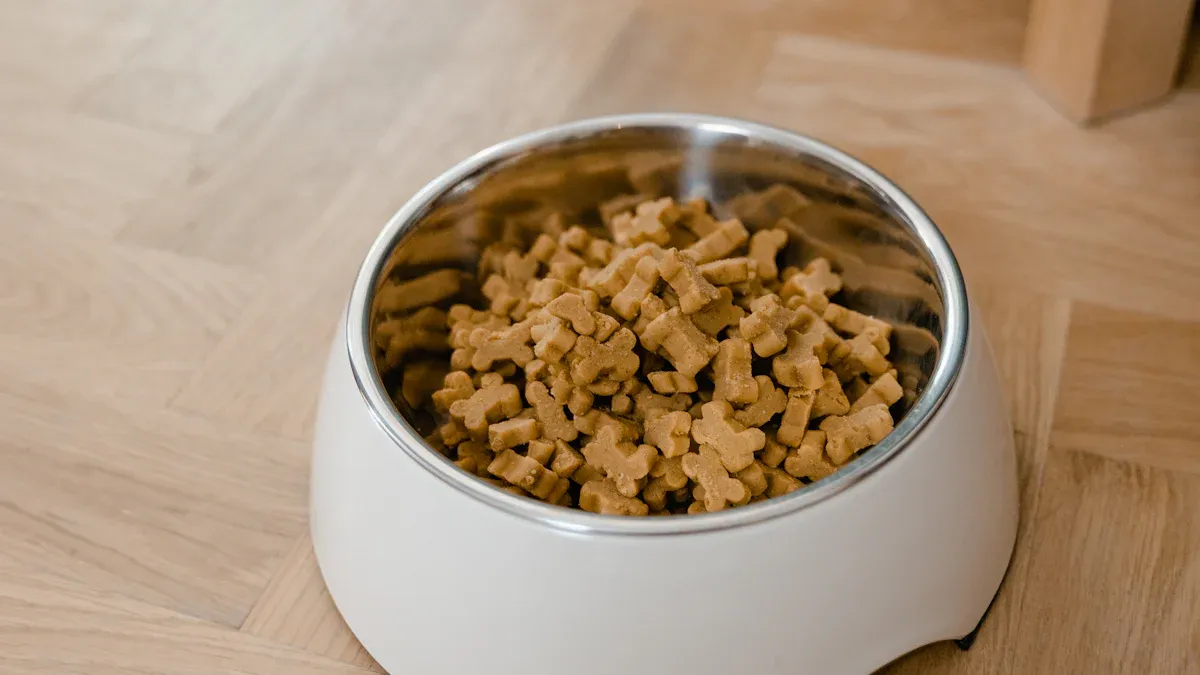
Taking care of pet feeders regularly keeps them running smoothly and ensures pets get their meals on time. Cleaning the feeder weekly prevents food residue from building up, which can cause jams or bacterial growth. Owners should disassemble the feeder carefully, wash removable parts with warm, soapy water, and dry them completely before reassembly. For feeders with dishwasher-safe components, using the dishwasher can save time and provide deeper cleaning.
Monitoring the feeder’s performance is equally important. Dust and kibble fragments can clog internal mechanisms, so clearing these areas with a small brush or compressed air helps maintain accuracy. Placing the feeder in a dry, indoor location away from moisture and direct sunlight also protects its components.
Tip: A consistent cleaning routine not only extends the feeder’s lifespan but also ensures pets enjoy fresh, uncontaminated meals every day.
Selecting High-Quality Feeders
Choosing the right feeder can prevent many common issues. High-quality feeders are designed to handle different kibble sizes, resist rust, and simplify maintenance. Consumer reviews often highlight features like durability, ease of cleaning, and compatibility with various diets. Feedback from users also reveals which brands offer the best value and reliability.
For example, waterproof feeders perform well in humid environments, while feeders with backup battery systems ensure uninterrupted operation during power outages. Negative reviews can alert buyers to potential defects, helping them avoid unreliable models.
Pro Tip: Researching user experiences and comparing brands can guide owners toward feeders that suit their pets’ needs and provide long-term reliability.
Following Manufacturer Instructions
Manufacturers provide detailed instructions to help owners use pet feeders effectively. These guidelines explain how to set timers, adjust portion sizes, and clean the device without damaging it. Following these instructions ensures the feeder operates as intended and reduces the risk of malfunctions.
Ignoring the manual can lead to problems like food jams or inaccurate portioning. Owners should also check for firmware updates if the feeder is a smart model. Updates often fix bugs and improve performance.
Note: Reading the manual thoroughly and keeping it handy can save time and prevent unnecessary frustration.
Keeping pet feeders in good working condition ensures pets stay on a consistent feeding schedule. Troubleshooting common problems like food jams or power failures helps maintain smooth operation and avoids disruptions. Preventative measures, such as regular cleaning and following manufacturer instructions, reduce the risk of future issues. By staying proactive, pet owners can rely on their feeders to deliver meals on time and keep their furry friends happy and healthy.
Tip: A little maintenance goes a long way in extending the life of your pet feeder and ensuring your pet’s well-being.
FAQ
How do I know if my pet feeder is compatible with my pet’s food?
Check the feeder’s manual or product description for kibble size specifications. Most feeders work best with dry kibble of uniform size. If your pet eats wet food or raw diets, look for feeders designed specifically for those types.
Tip: Test a small portion of your pet’s food in the feeder before regular use.
Can I use my automatic feeder outdoors?
Most feeders are designed for indoor use. Outdoor placement exposes them to moisture, extreme temperatures, and pests, which can damage the device. If you need an outdoor feeder, choose one labeled weatherproof or waterproof.
Note: Always check the manufacturer’s guidelines for placement recommendations.
What should I do if my feeder stops working suddenly?
Start by checking the power source. For battery-operated feeders, replace the batteries. For electric models, inspect the adapter and connections. If the issue persists, consult the user manual or contact customer support for troubleshooting.
Pro Tip: Regularly test your feeder to catch problems early.
How often should I clean my pet feeder?
Clean the feeder weekly to prevent food residue buildup. Wet food feeders need daily cleaning to avoid spoilage and odors. Follow the manufacturer’s instructions for disassembly and cleaning to avoid damaging the device.
Tip: Use warm, soapy water and dry all parts thoroughly before reassembly.
Can I control my smart feeder without Wi-Fi?
Some smart feeders offer manual controls or Bluetooth options for offline use. Check the product specifications to confirm. If Wi-Fi is essential, ensure the feeder is placed near your router for a strong connection.
Note: Keep the feeder’s app updated for optimal performance.
Post time: May-29-2025